

Garanify, skirta Shopware 6
Shopware 6 Garanify išplečia parduotuvės priekį pranešimu ir GARAN etikete ir prideda pasirinktinius laukus gaminyje, tinkamus keliems pardavimo kanalams ir kalboms.
NetrukusParašykite mums, o paleidimo metu jums pranešime.hello@qadsoft.dev
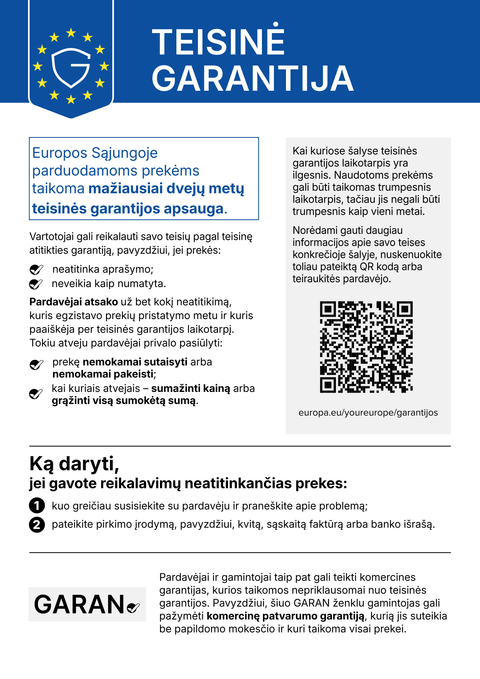
Nustatymas platformoje Shopware 6
Taip nustatymas vyksta po paleidimo.
- 1
Įdiekite įskiepį
Kai tik įskiepis bus Shopware Store: pridėkite Garanify. Iki tol ZIP failas pateikiamas pagal užklausą; galite jį įkelti per Extensions › My extensions. Tada įdiekite ir aktyvuokite.
- 2
Configure
Įskiepio konfigūracijoje kiekvienam pardavimo kanalui nustatykite, kur rodomas pranešimas: produkto puslapis, krepšelis, apmokėjimas.
- 3
Tvarkykite gaminius
Gaminyje užpildykite pasirinktinius laukus GARAN metai, Prekių ženklas ir Modelis arba apibrėžkite taisykles pagal gamintoją ir kategoriją.
- 4
Check
Atidarykite parduotuvės priekį antra kalba: pranešimas seka pardavimo kanalo kalbą.
Ką Garanify daro sistemoje Shopware 6
- Pranešimas pardavimo kanalo kalba
- GARAN etiketė produkto puslapyje, įterpta krepšelyje ir apmokėjime
- Pasirinktiniai laukai gaminyje, taisyklės pagal gamintoją ir kategoriją
- Konfigūracija kiekvienam pardavimo kanalui
Klausimai apie Shopware 6
Shopware planuoja savo sprendimą. Ar man vis tiek reikės Garanify?
Shopware paskelbė integraciją branduolyje. Kol jos nėra, ir jei jums reikia taisyklių, kelių parduotuvių ar Agency licencijų, Garanify yra greitas sprendimas.
Kaip vykdomas atsiskaitymas?
Nemokamas planas nekainuoja nieko. Pro kainuoja 2,99 € per mėnesį arba 24 € per metus.
Vadovai ir straipsniai platformai Shopware 6
Visi Shopware 6 pagalbos straipsniai-
 Tinklaraštis
Legal guarantee notice in Shopware 6: how to add it (2026)
To add the mandatory EU notice on the legal guarantee in Shopware 6, Garanify is planned as a plugin: once it is listed in the Shopware Store, you install it, switch the notice on, choose the places (product page, cart, checkout) and check the shop. The plugin is in preparation and not yet in the Shopware Store. The GARAN label is added only for a manufacturer guarantee of more than 2 years.
2 min. skaitymo
-
 Pagalba
Set up Garanify in Shopware 6
Install Garanify in Shopware 6 and check it with the setup guide: notice, cart, languages and GARAN details in a few minutes.
-
 Pagalba
Place the notice in Shopware 6
Where Garanify shows the notice in Shopware 6: product page, off-canvas cart, cart, checkout and order completed page. Switch places and check them.
Kitos platformosNetrukus
Pranešimas ir GARAN etiketė iš Jūsų duomenų.
Pasirinkite savo parduotuvės sistemą arba leiskite mums ją sukonfigūruoti: 99 €, vieni metai Pro įskaičiuoti.