

Shopify App
Show the legal guarantee notice in Shopify
Last updated 18 November 2026
In short
The legal guarantee notice is on after installation. On the product page it appears through the app block “Legal guarantee notice”, in the cart and cart drawer through the app embed “Garanify”. You add both in the theme editor.
Switch on
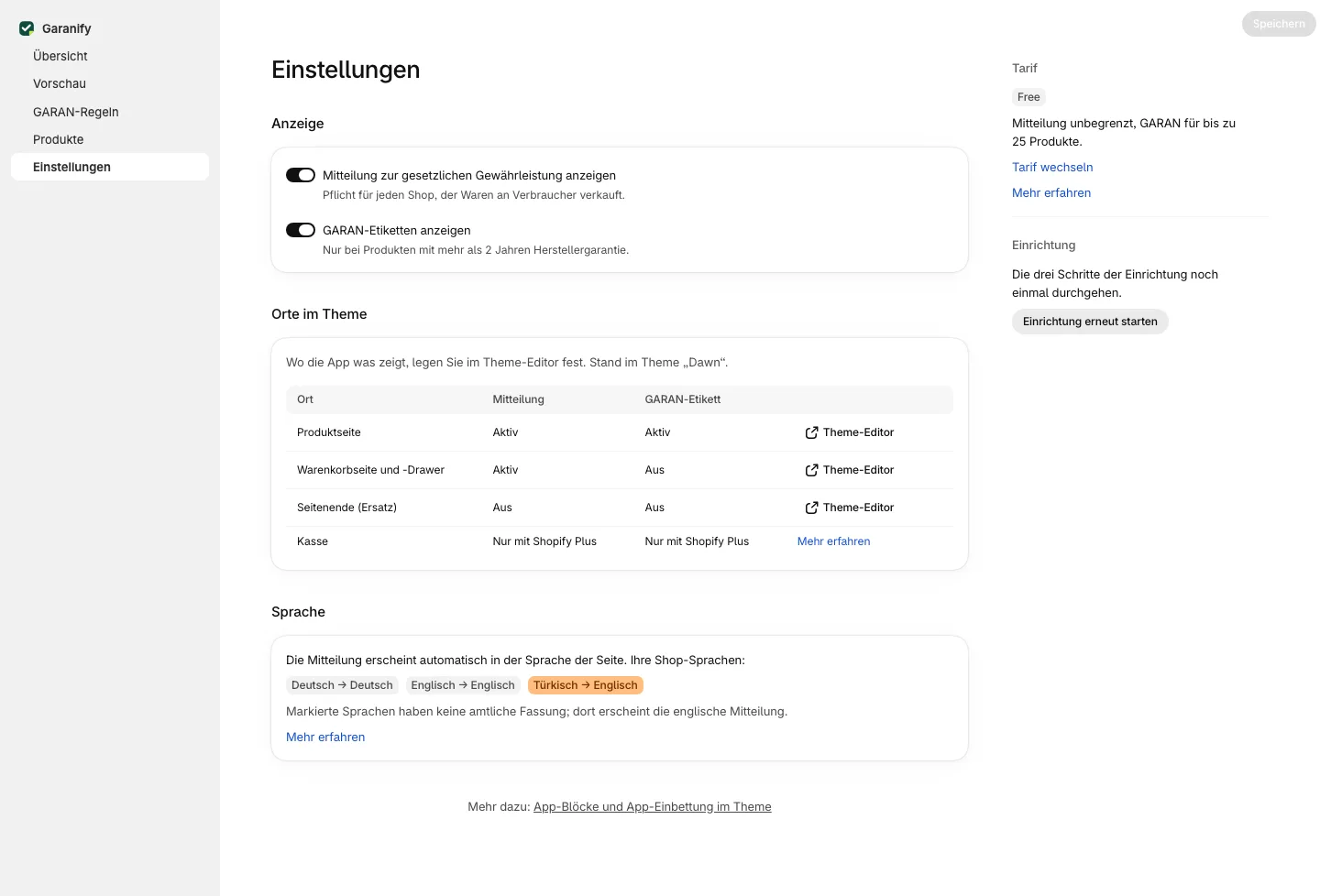
In Settings, card Display, you find the switch Show legal guarantee notice. It is on after installation.
Where the notice appears
| Place | How |
|---|---|
| Product page | app block Legal guarantee notice, ideally right below the buy button |
| Cart page and cart drawer | app embed Garanify, setting “Show the notice in the cart (page and drawer)” |
| End of page (fallback) | app embed, only for themes without block slots |
| Checkout | Shopify Plus only, not used by Garanify |
How to add the app block and app embed is described in App blocks and app embed in the theme.
Check
The overview checks both places. “App block found in the product template.” and “Shown by the app embed on the cart page and in the cart drawer.” mean done. The card Places in your theme in the settings shows the same places as a table.
The graphic
Garanify shows the official graphic of the European Commission unchanged, in colour and in the language of the page. The alt text is the official title. Optionally the app block shows an “open as image” link below the notice.
Related questions
Does the notice have to be on every product page?
The regulation requires it before the contract is concluded, in a prominent manner. Product page and cart are common. Garanify covers both.
Why not in the checkout?
Shopify only allows own content in the checkout with Shopify Plus. Product page and cart come before the order.
Can I make the notice smaller?
Yes. App block and app embed have the setting “Maximum width” from 200 to 1200 pixels.
Is the notice changed?
No. It stays the official graphic; only the width adapts.
Sources
Was this article helpful?
What was missing? Send us a short note and we will add it to the article. Send feedback by email
Your choice is not stored or sent anywhere.
Thank you for your feedback. What was missing? Send us a short note and we will add it to the article. Send feedback by email