

GARAN label generator
Enter brand, model and years, then download the label. Generated from the European Commission's original template and the same logic as our plugins.
Everything happens in your browser. Your details never leave this device.
Download
SVG and PNG include the Inter typeface (SIL Open Font License), so the label looks the same everywhere.
Embed code
Upload the SVG file to your shop and put its path in src. The alt text is already filled in.
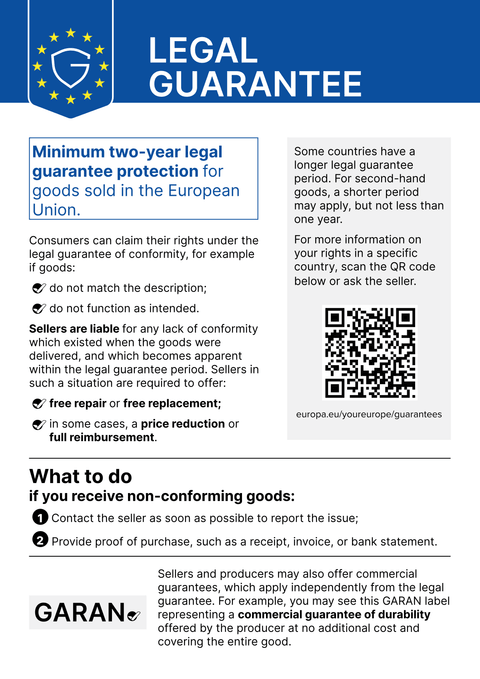
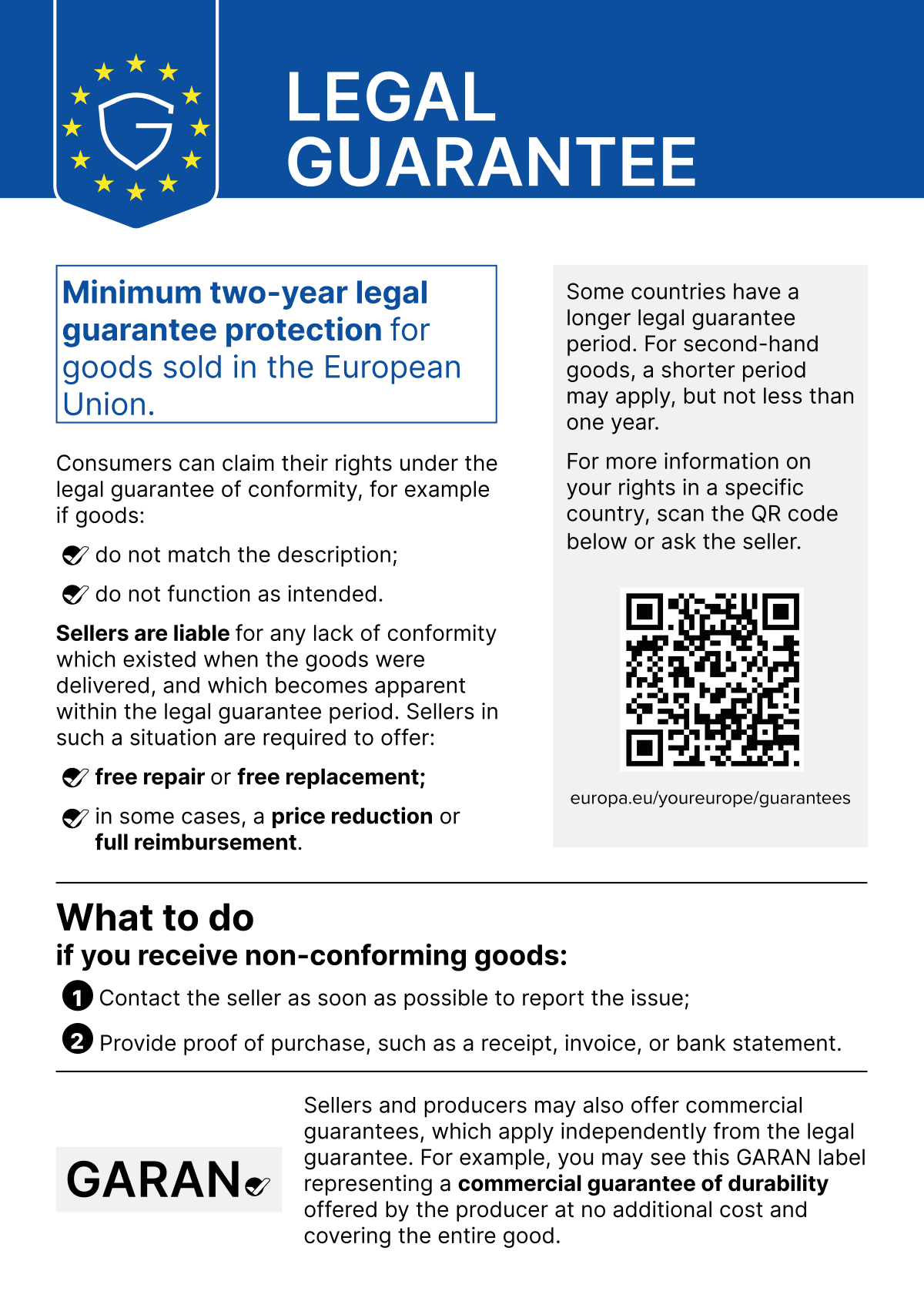
Download the notice
The notice on the legal guarantee as a PNG, exactly as the European Commission provides it.
Many labels at once
Upload a CSV file with brand, model and years and get a ZIP file with one label per row. The file is only read in your browser.
Columns in this order: brand, model, years, optionally language (for example fr). Separator semicolon or comma, header row optional, UTF-8 encoding. At most 500 rows.
brand;model;years;lang
Brewline;CM 6360;5;de
Müller & Söhne;KGN 39 VL;7,5;de
Nordlicht;LX-200;3;fr
Éclat;Série 9;10;
Rows with errors are left out of the ZIP file. Fix them in the CSV and upload the file again.
| Row | Brand | Model | Years | Language | Check |
|---|
How to use the label
-
Next to the product image
On the product page, the large label belongs clearly visible with the product, ideally next to or below the product image.
-
Repeat it in the basket
In the basket and at checkout, show the label again for each line item, in the space-saving nested version.
-
Don't change it
Only brand, model and years may vary. Colours, layout and typeface stay as they are.
Lots of products? Garanify adds the label automatically, by rule per brand, category or tag.
Plugin for your shopFAQ
May I use the label from the generator in my shop?
Yes. The label is generated from the European Commission's official template, and only the three fields the regulation provides for are changed. Check beforehand that the conditions are met (more than 2 years, free of charge, whole product, from the producer).
SVG or PNG: which is better?
SVG stays sharp at any size and is ideal for websites and print. Use PNG if your shop system only accepts pixel images, ideally at twice the display size.
Why do some names get smaller?
Brand and model each have a fixed field. The generator automatically shrinks long entries so they fit, just like our plugins.