The checklist
- B2C? Do you sell goods to consumers? Then the obligation applies (duty check).
- Product page: Is the notice visible without a click?
- Cart or checkout: Is it before the order button?
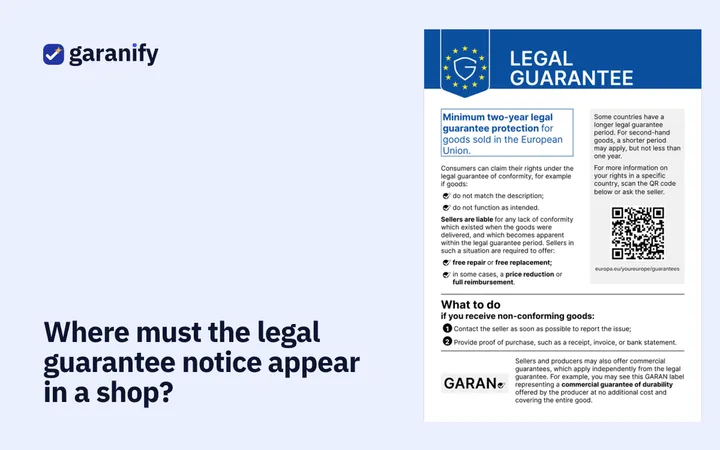
- Unchanged: Is the graphic not cropped, not recoloured, not overlaid, and in colour online?
- Language: Does the version appear in the language of the page? Test every shop language.
- Mobile: Is the graphic legible on a smartphone?
- GARAN check: Which manufacturers grant more than 2 years, free, on the whole product? Labels only for those.
- GARAN data: Brand, model (MPN, never EAN) and years complete? Variants checked?
- Confirmation: Is the notice sent with the order confirmation (recommended)?
- Documentation: Dated screenshots and the manufacturers’ guarantee terms filed?
How to proceed
Open the shop in a private window, put a product in the cart and go as far as the order button. Repeat this in every shop language. For errors, start with the respective help: troubleshooting Shopify, WooCommerce, PrestaShop, JTL-Shop.
When to improve
- The notice is only in the footer: move it to the product page and before the order button.
- The label does not appear: years greater than 2? Brand and model present?
- Wrong language: check the language setting.
Next steps
- Duty check: do I need the notice and GARAN?
- Help centre: guides per shop system
- Pricing
Garanify implements the display obligations of Implementing Regulation (EU) 2025/1960 technically. This is not legal advice.